Inside Git: How It Works and the Magic of the .git Folder
Stop memorizing commands and start understanding the architecture of Git objects: Blobs, Trees, and Commits.

Hi, I’m Shubham 👋 A learner sharing my journey in programming, tech, and self-growth. Learning every day and writing what I learn.
Most developers treat Git like a "black box." You type git add, git commit, and git push, and somehow your code is saved. But have you ever wondered what’s actually happening under the hood?
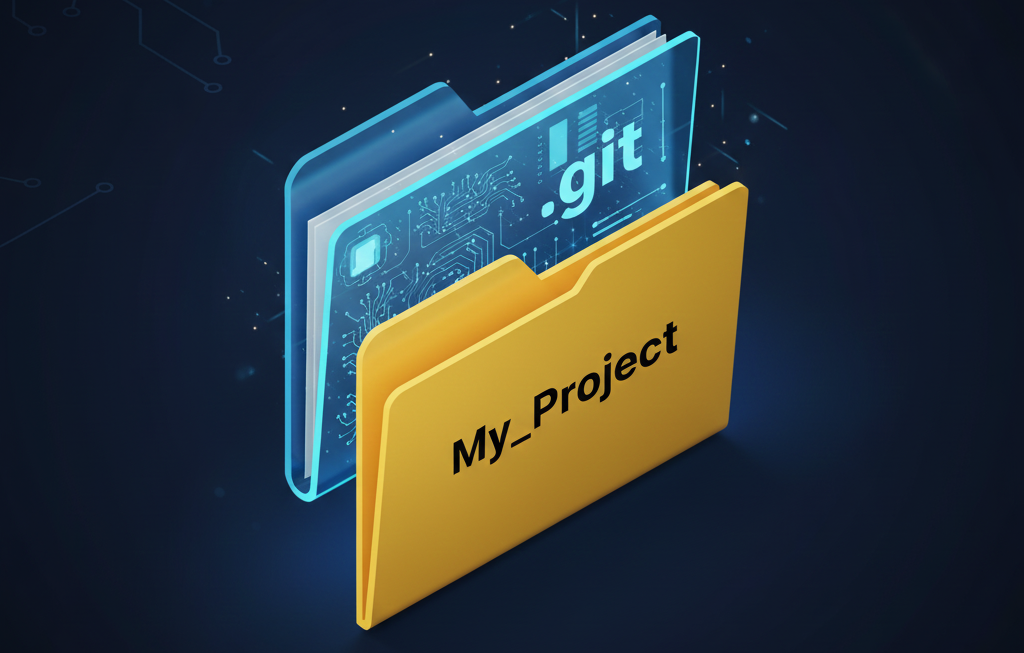
When you initialize Git in a project, a hidden folder named .git appears. This folder is the "brain" of your project. If you delete it, your project becomes just a pile of files again, and all your history vanishes.
Let’s peek inside the box and understand how Git actually tracks your work.
1. The Heart of the Project: What is the .git folder?
The .git folder is a private database where Git stores every version of every file you’ve ever created. It doesn't store "changes" or "diffs" in the way most people think; it stores snapshots.
Think of your project folder as a stage and the .git folder as a high-speed camera in the back of the theater, constantly taking photos of everything on stage.
2. The Three Pillars: Blobs, Trees, and Commits
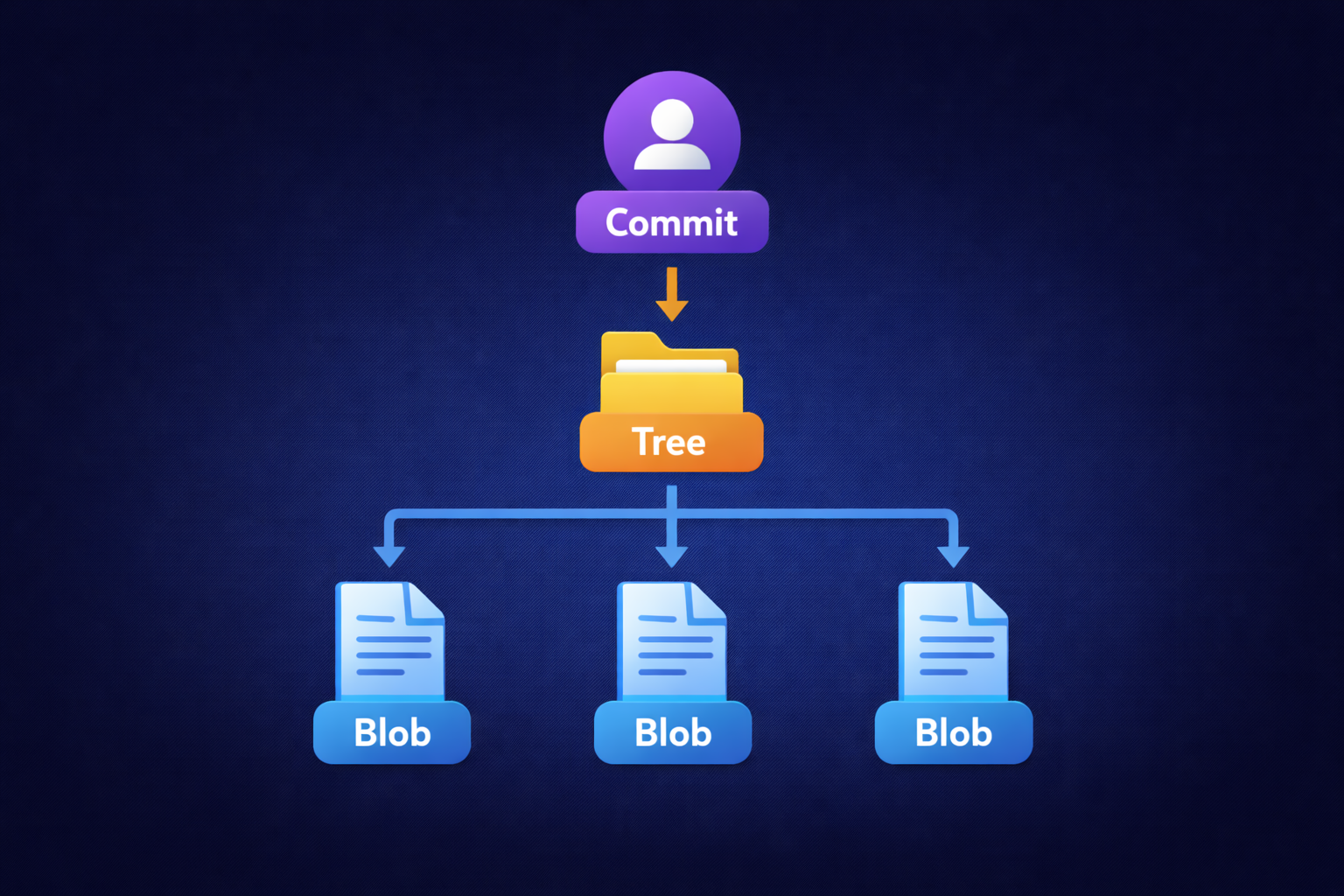
Git sees your project through three main types of objects. Understanding these is the key to mastering Git:
Blobs (Binary Large Objects): When you save a file, Git stores the content of that file in a "Blob." It doesn't care about the filename; it only cares about the data inside.
Trees: A Tree is like a digital map of a folder. It lists the Blobs (files) and other Trees (subfolders) inside it, along with their actual filenames.
Commits: A Commit is the final snapshot. It points to a specific Tree and includes metadata: who made the change, when, and a message explaining why.
3. The Flow: What happens during add and commit?
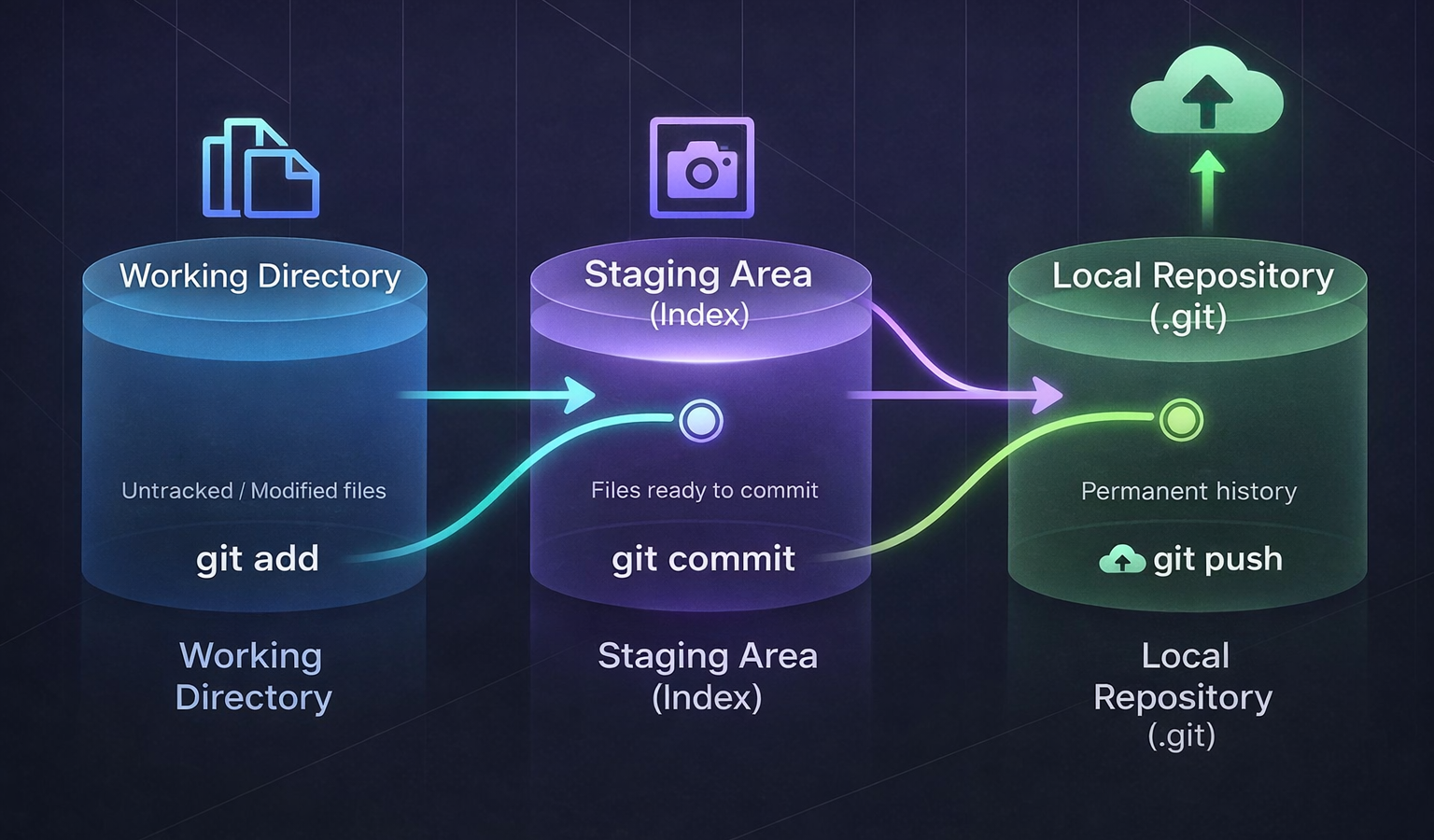
This is where the magic happens. Let’s break down the internal workflow:
git add(The Staging Area): When you run this, Git calculates a unique "Fingerprint" (called a SHA-1 Hash) for your file. It creates a Blob and puts it in the.git/objectsfolder. It also updates a file called theindex, which is basically a "to-do list" for the next commit.git commit(The Snapshot): When you commit, Git freezes theindexinto a Tree structure and creates a Commit object that points to that tree.
Your code is now permanently etched into the history.
4. Integrity and Hashes: The 40-Character ID
You might have noticed long strings like 4a2b5c.... This is a Hash. Git uses a mathematical algorithm to turn your file content into this unique string.
Why? Because it ensures Integrity. If even a single comma changes in your code, the Hash will change completely. This makes it impossible to corrupt or change a file in Git's history without Git noticing. It is the ultimate security system for your code.
Summary: Stop Memorizing, Start Visualizing
Instead of memorizing commands, try to visualize what's happening:
Working Directory: Where you typed the code.
Staging Area: Where you prepare the "photo" (the index).
Repository: The photo album inside the
.gitfolder.
Git isn't just a tool for saving files; it’s a time-traveling database that ensures your work is safe, tracked, and verifiable.


